Create Stunning Text-Behind-Image Effects
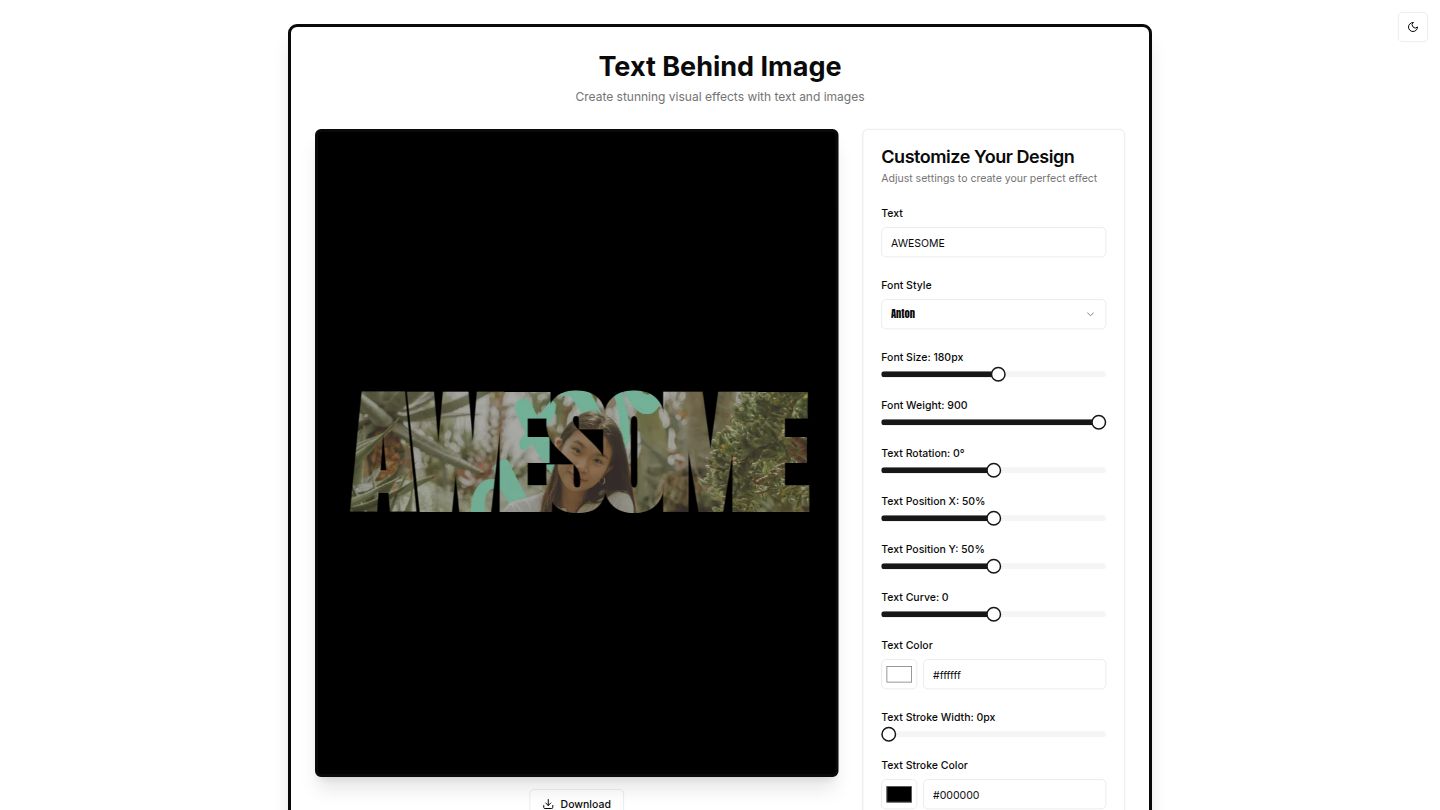
Transform your photos with our powerful text-behind-image editor. Blend text and images seamlessly for eye-catching visual designs.
Inspiring Examples
See what you can create with our text-behind-image editor
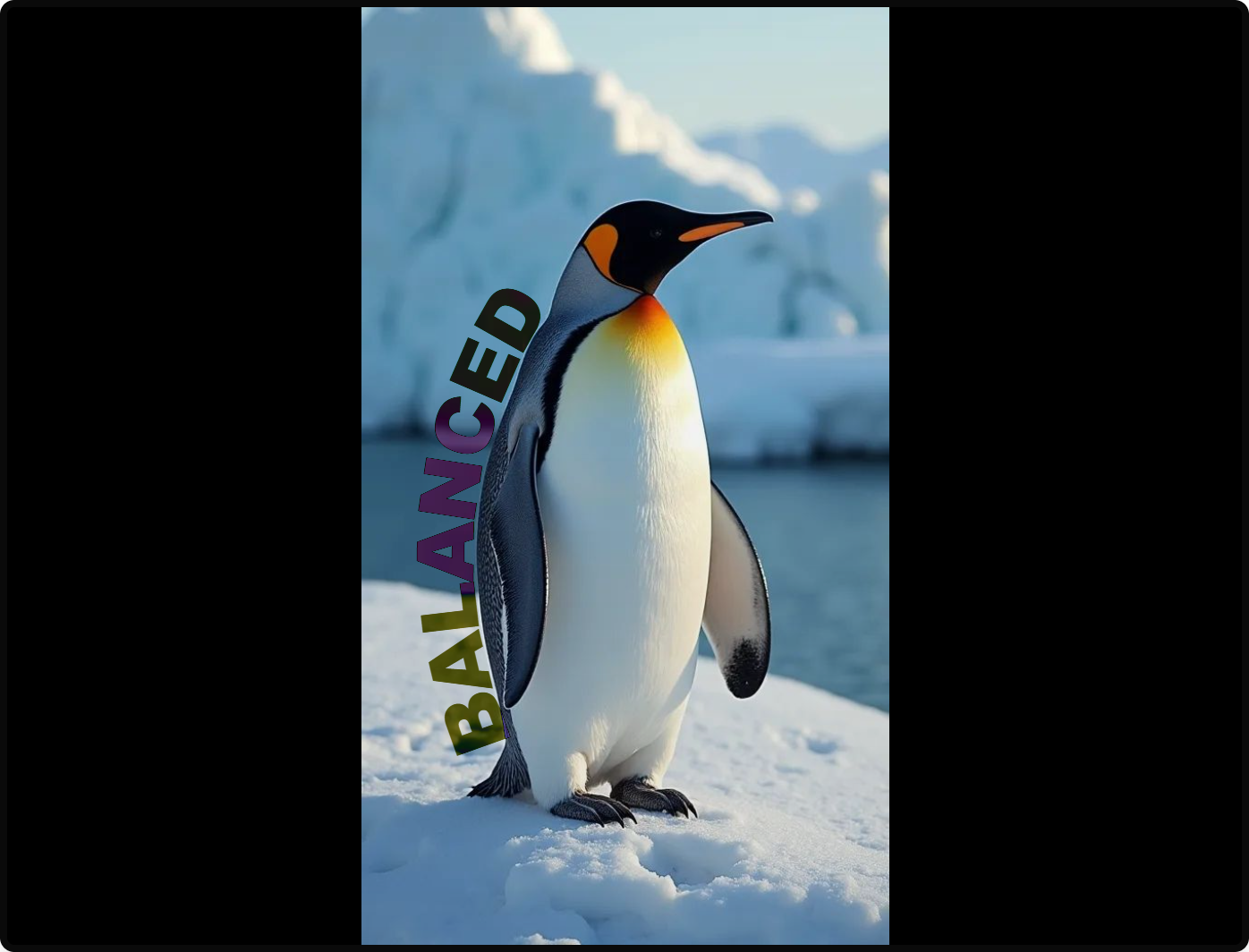
BALANCED
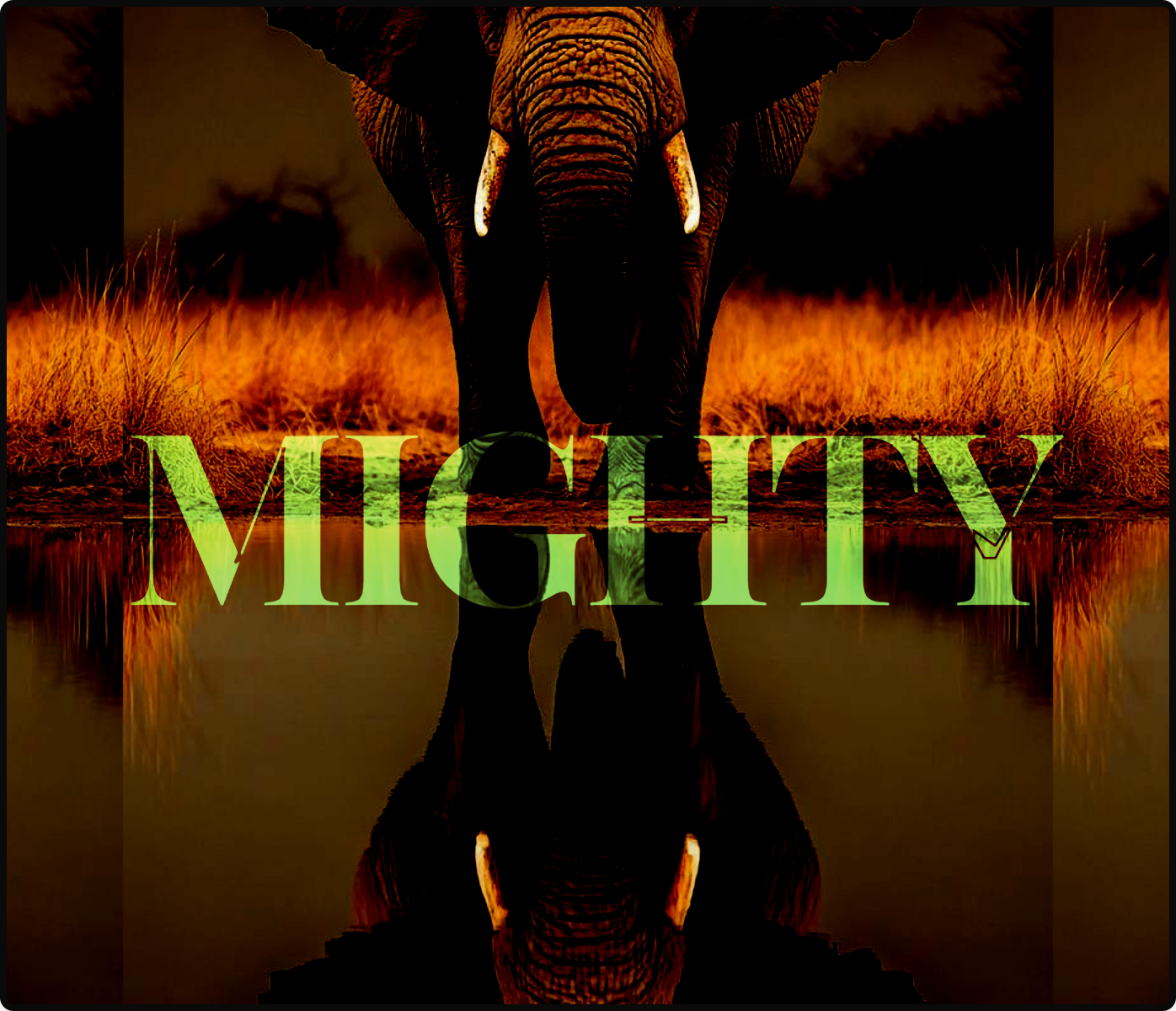
MIGHTY
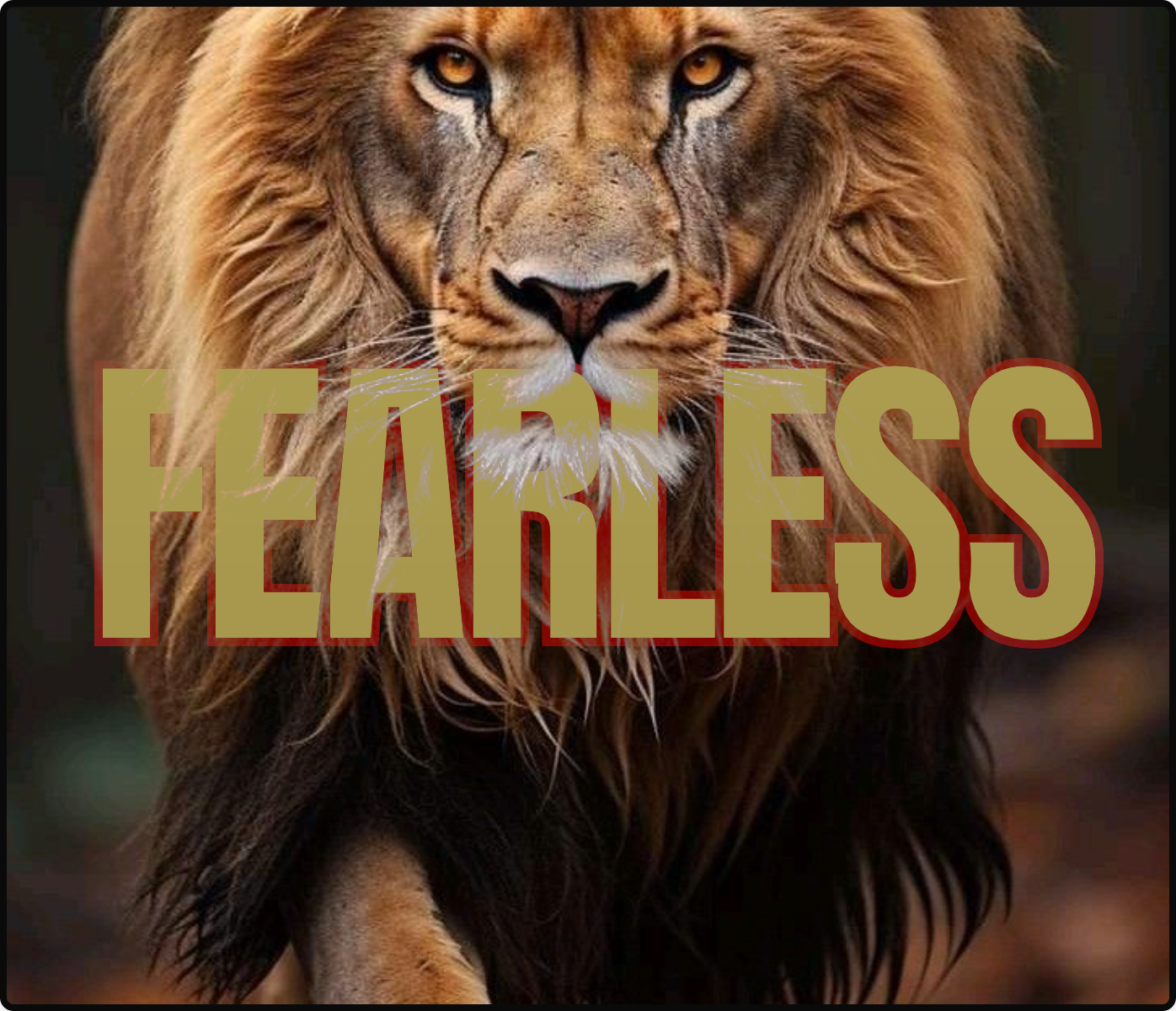
FEARLESS
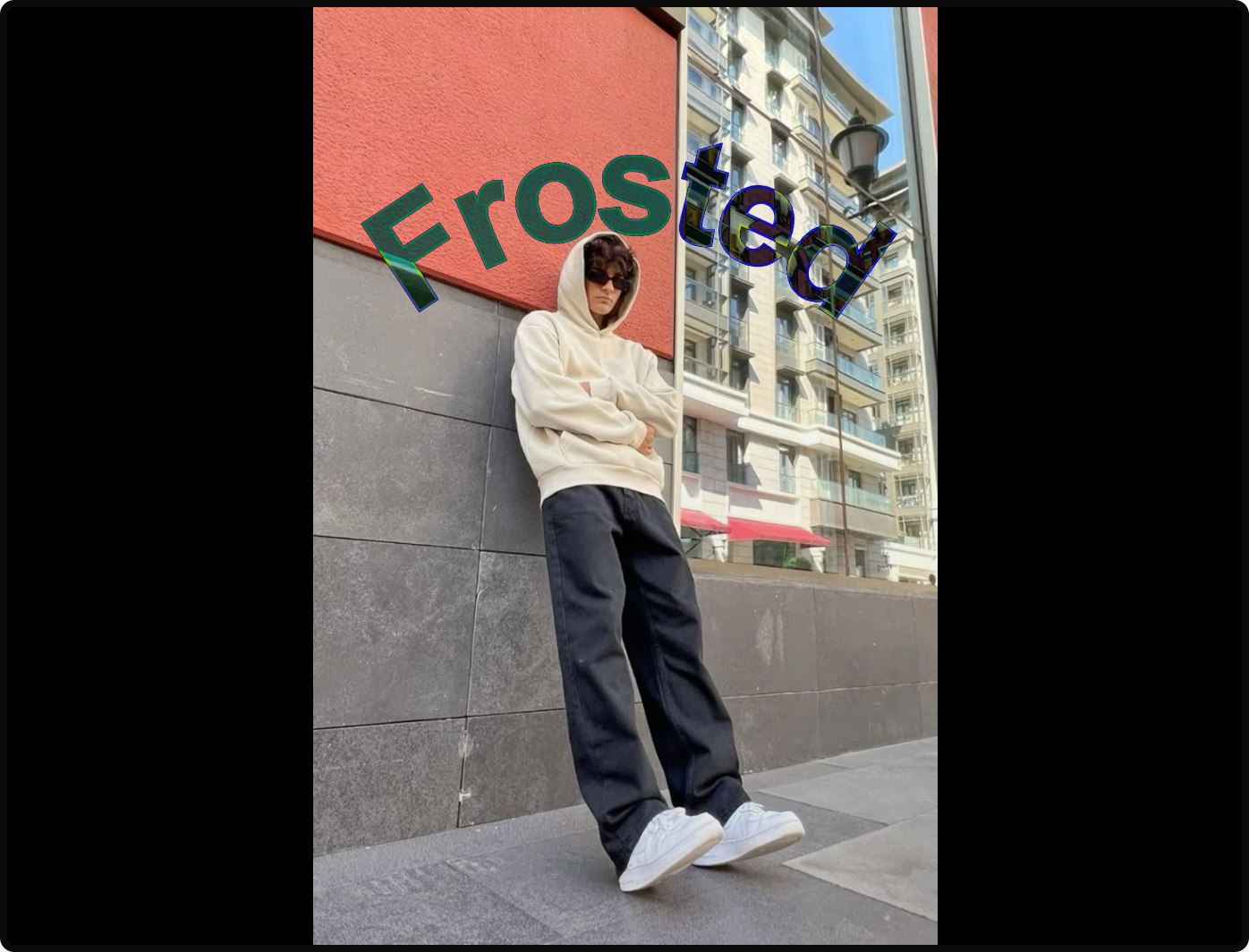
FROSTED
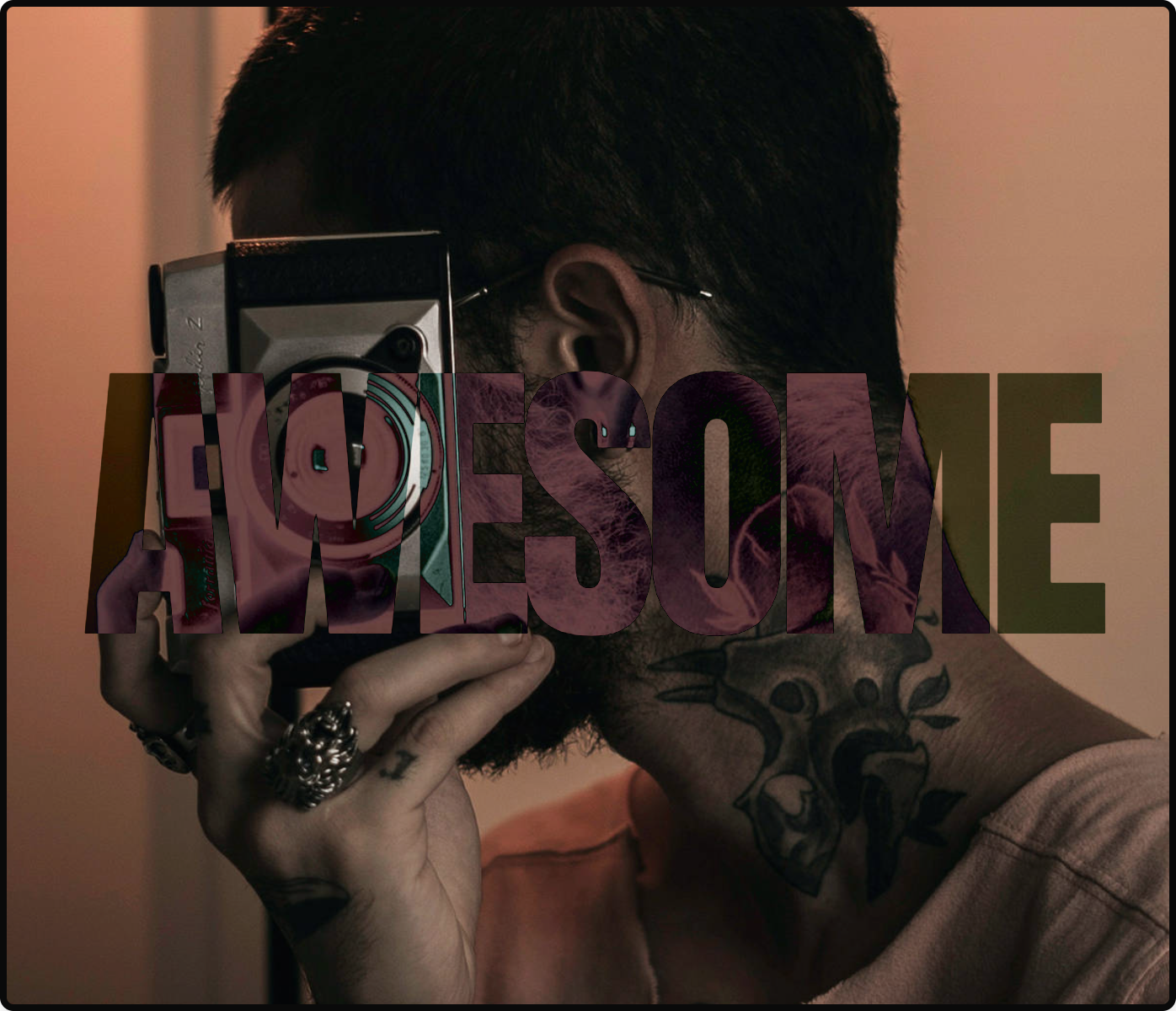
AWESOME
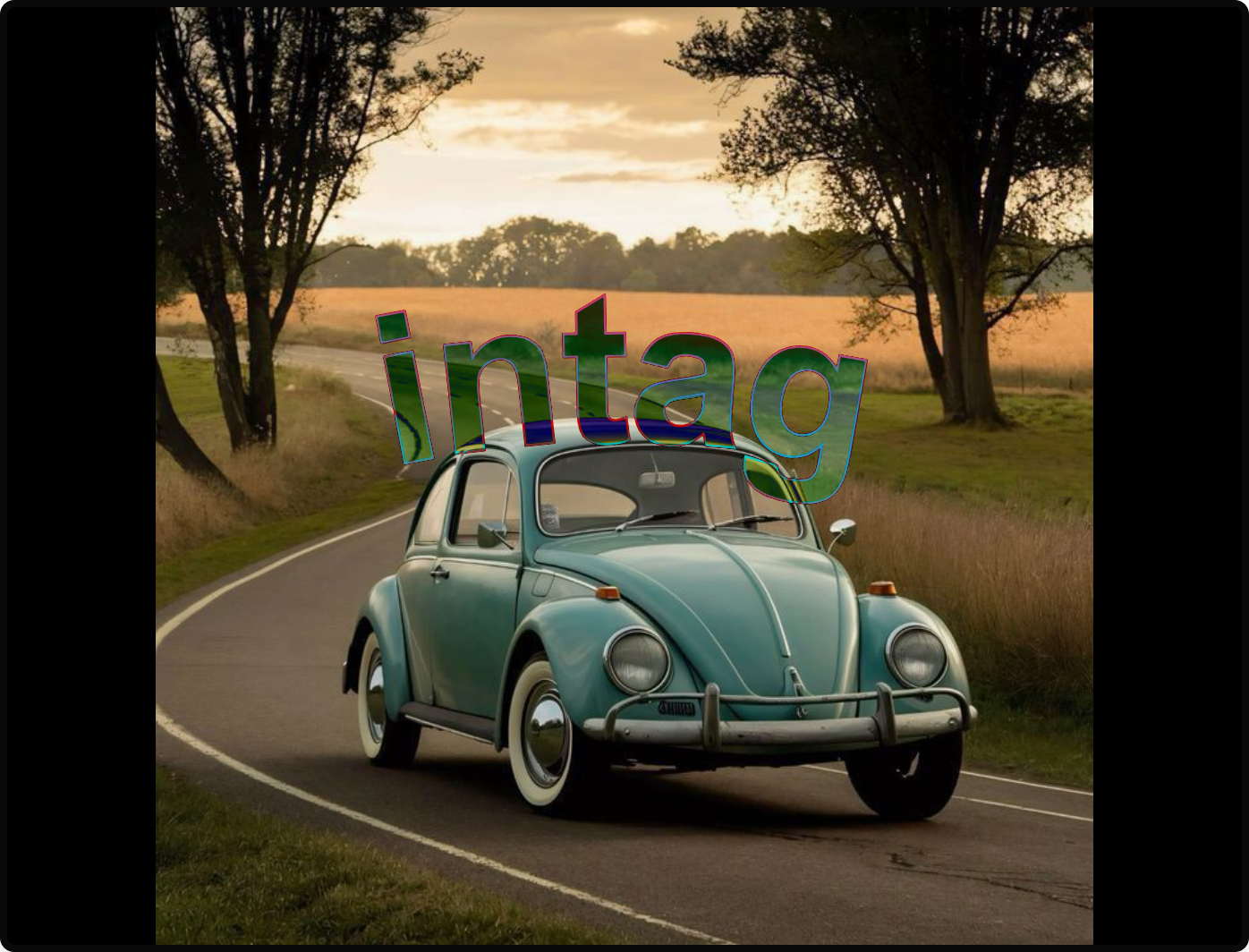
INTAG
Powerful Features
Everything you need to create stunning text-behind-image effects
Custom Text Styling
Adjust font, size, weight, and color to match your vision
Image Upload
Use your own images to create personalized designs
Color Customization
Choose the perfect colors for your text and stroke
Text Rotation
Rotate text to create dynamic and interesting compositions
Precise Positioning
Position your text exactly where you want it on the image
Easy Download
Download your creation with a single click
Creative Blend Modes
Experiment with different blend modes to create unique visual effects
Available Blend Modes:
- Multiply
- Screen
- Overlay
- Darken
- Lighten
- Color Dodge
- Color Burn
- Hard Light
- Soft Light
- Difference
- Exclusion
Transform Your Images
Each blend mode creates a unique effect by determining how your text interacts with the underlying image.
- Use Multiply for darker, more dramatic effects
- Screen brightens and creates a lighter effect
- Difference creates vibrant, contrasting colors
- Try Overlay for balanced contrast and color
How It Works
Create your own text-behind-image effect in three simple steps
Upload Your Image
Choose any image from your device to use as the background
Customize Your Text
Add your text and adjust all settings to create the perfect effect
Download & Share
Download your creation and share it with the world
Ready to Create?
Start creating your own stunning text-behind-image effects today